
One night, three browser engines: taking YourMove beyond Chromium
How I took YourMove's browser-assisted job application workflow beyond Chromium, what worked, what broke, and what still needs to happen before release.
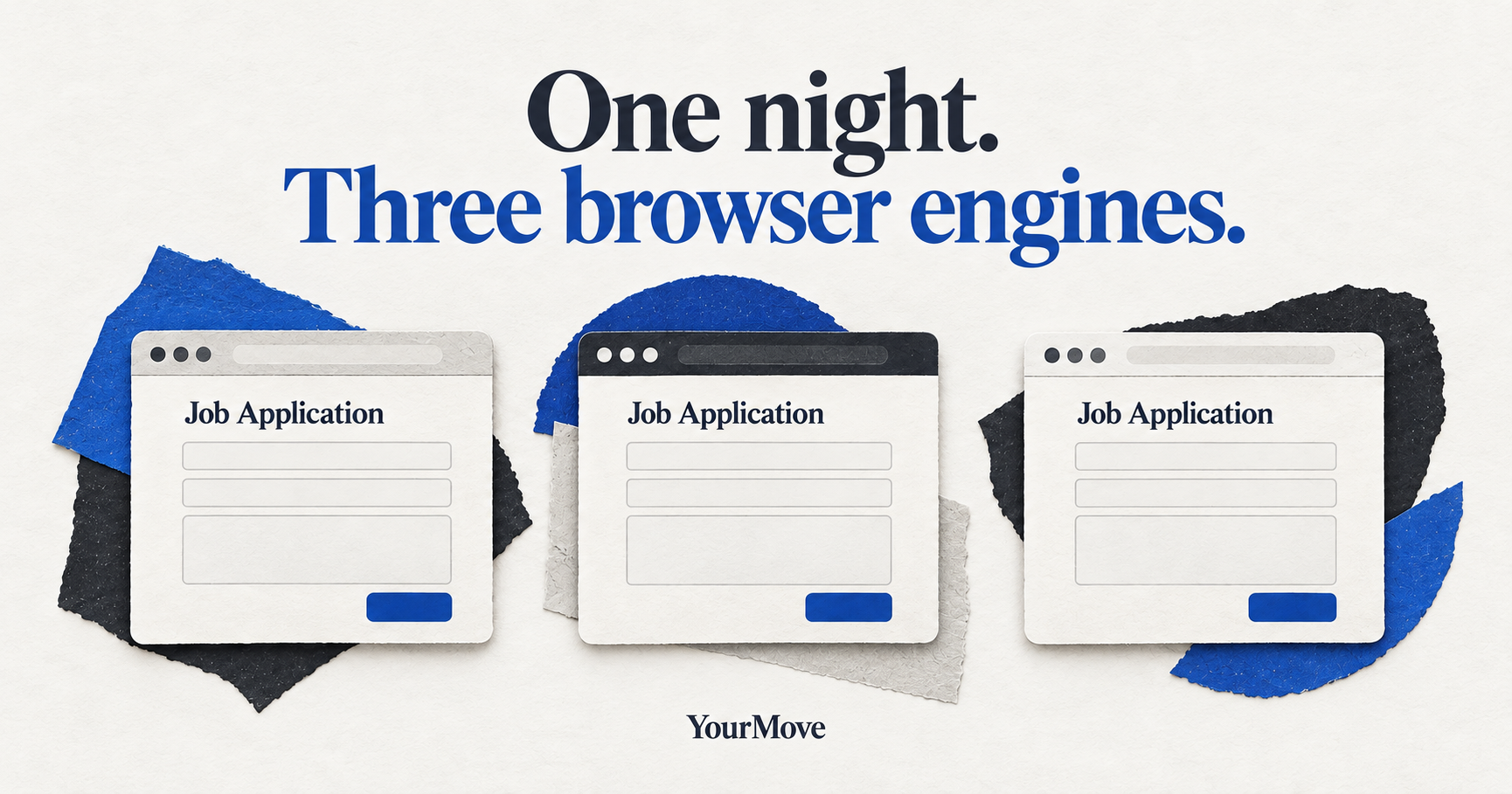
Last night, YourMove’s managed browser automation worked in Chromium.
By morning, the same job application workflow was running in Chromium, Firefox, and WebKit.
That’s a fairly satisfying result for one night. It also sounds much simpler than it was.
I didn’t build three different automation systems, and I certainly didn’t write browser automation from scratch overnight. YourMove already had a working foundation. The job was to remove a limitation without breaking the parts that made the application useful in the first place.
Why I wanted to change it
YourMove is a free, open-source job application tool I’m building while looking for work myself.
Its purpose is to make the repetitive parts of applying for jobs less repetitive. Keep the jobs you’re interested in, choose the résumé you want to use, reuse information and answers you’ve already prepared, and get help filling out supported employer forms.
You still decide what information is transferred, check the application, and submit it yourself.
Until now, the managed browser side of that workflow relied on a custom implementation of the Chrome DevTools Protocol, or CDP. It was deliberately small, and it got us a long way. But it also meant the application was tied to Chromium’s browser technology.
I didn’t want to maintain a completely different version of YourMove for every browser engine. That would be a lot of extra code to look after, and it wouldn’t improve the actual job application experience.
Changing the browser without changing the workflow
The solution was to change the part that talks to the browser.
YourMove is written primarily in Go. Go still handles the application workflow, the browser session, the user’s authorization, and the outcome of each operation.
Underneath that, I introduced the official Playwright runtime through a small Node.js bridge. Playwright can operate Chromium, Firefox, and WebKit. The existing JavaScript that inspects application forms and transfers approved information was moved into a shared package.
That last part was the important decision. Rather than rebuild form handling three times, both the original CDP driver and the new Playwright driver can run the same browser-facing operations.
In our controlled tests, that shared logic worked across all three engines without separate DOM workarounds.
The browser changed. The applicant’s role didn’t. YourMove still doesn’t submit applications for people, and the same authorization rules remain in place.
What actually worked
The engineering qualification covered more than launching three empty browser windows.
Across Chromium, Firefox, and WebKit, the controlled workflow exercised contact fields, saved answers, cover letters, résumé selection, dynamic forms, and recovery after a browser interruption.
The recorded checks included 18 passing shared-driver assertions and three passing application-level workflow runs, one for each engine.
We also inspected real public application forms. The same 14 controls were observed on a tested Ashby form in all three engines. A tested Greenhouse form exposed the same 23 controls across all three.
Those observations are useful, but there’s an important boundary: observing an employer form is not the same as proving every real employer upload or application works. No employer applications were submitted as part of those observations.
This is evidence that the underlying approach works for the tested operations, not a claim of universal compatibility.
The things that didn’t go smoothly
The browser engines turned out to be the relatively cooperative part.
The first failures came from moving JavaScript through the Go-to-Node bridge. Function wrapping, escaping, and return values caused problems that looked suspiciously like browser incompatibility until we traced them back to our own command composition.
Then we found a session-handling problem. A valid Firefox session could receive an operation that incorrectly defaulted to Chromium. The safety check rejected the switch, which was correct. The surrounding UI then reported the session as interrupted, which wasn’t. We had to separate deliberate browser switching from ordinary operations on an already active session.
And finally, packaging caught us.
A development machine can make a broken distribution look perfectly healthy. Our first bundled macOS build omitted Chromium’s separate headless-shell binary, but the developer machine happened to have it cached. The missing dependency only became obvious when we tested with the machine’s development resources unavailable.
We corrected the bundle and verified that all three browser engines could start and close using only the packaged runtime.
The experimental app bundle was roughly 1.2 GB, so distribution size is a real cost of this approach. The implementation also isn’t proven faster than the original CDP path. Startup measurements used different completion criteria, and I don’t want to pretend they say more than they do.
None of this is particularly glamorous. All of it matters if somebody else is supposed to install and use the software.
What happens next
This is an engineering milestone, not a release announcement.
The cross-browser work has passed the reported controlled tests, and we have demonstrated a self-contained macOS bundle running its browser engines without development tooling. The original Chromium/CDP implementation remains available as a fallback.
There is still work between that result and a public installer: integrating the change into the release source, signing and distribution checks, native interaction qualification, and testing a clean downloaded installation.
The initial macOS beta is still targeted for November 6, 2026, subject to those acceptance checks. Cross-browser support isn’t being presented as something you can download today. And WebKit engine support should not be confused with a claim that Safari itself is supported.
For people applying to jobs, the goal is pretty boring in the best possible way: the browser technology should get out of the way so you can spend less time repeating information and more time choosing which opportunities deserve your attention.
For developers, the interesting part is how much of the existing form-handling logic survived the change. I’ll share a closer look at the architecture, the failed approaches, and the packaging lessons separately.
You can see how YourMove works or follow the source on GitHub.
Back to building.
— Joshua